

 Updated on 28 July 2026

Most Odoo release recaps read like a changelog wearing a headline: dozens of features nobody asked to compare. But buried inside this update is a real shift in what outside AI tools can now do with your Odoo data.
That shift is what this guide unpacks: what genuinely changed, what's simply polish, and what it means for your business if you're weighing whether now is the right time to move ahead with an upgrade, for your team and workflows. Odoo has been building toward this kind of AI connectivity for several releases now, this release is where it ships.
What's New in Odoo 19.4? A Feature-by-Feature Overview
Odoo 19.4 is the fourth minor version in the 19.x series, published in July 2026, adding MCP server support, new industry packages, and refinements across manufacturing, accounting, and core sales workflows.
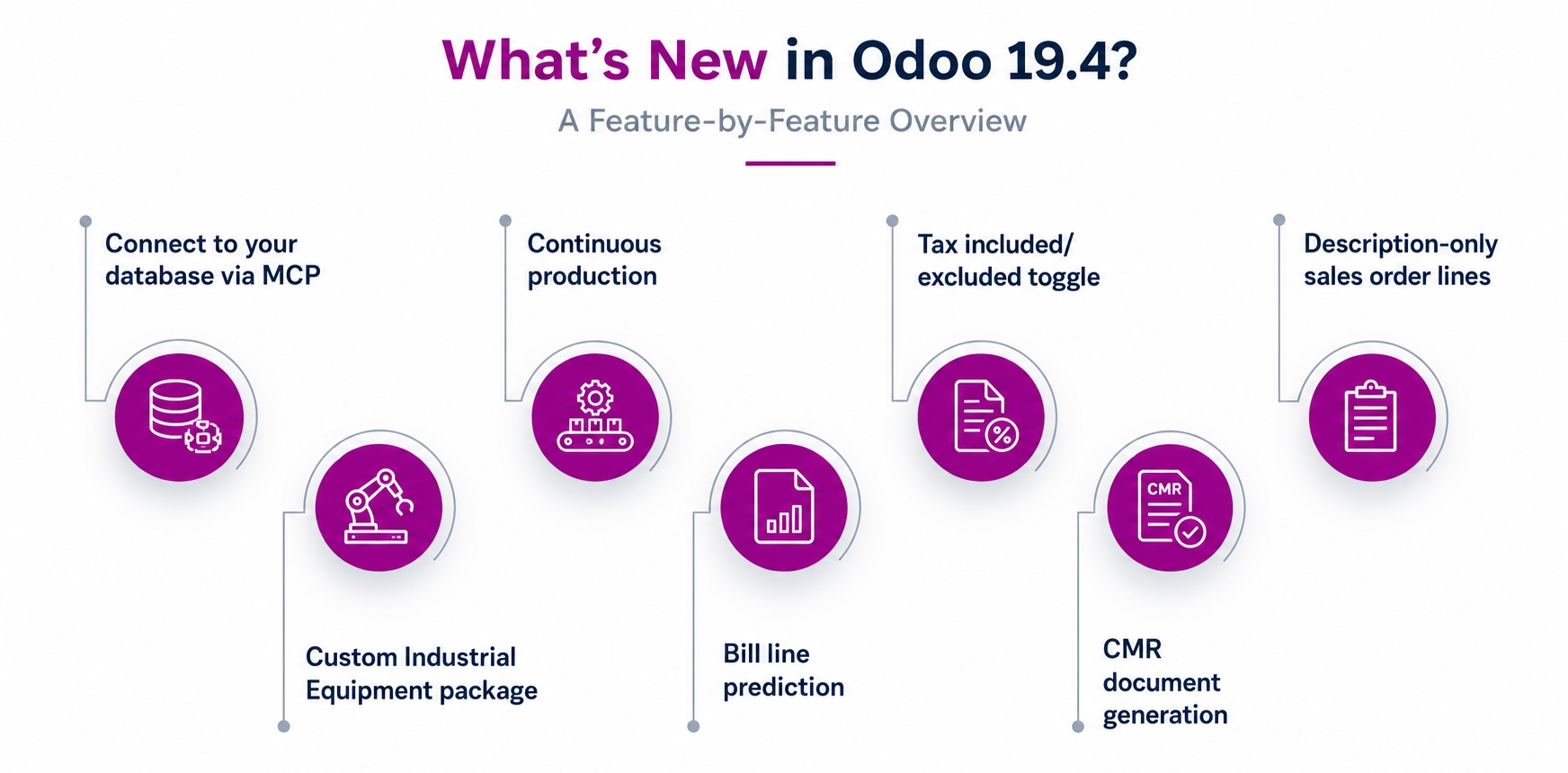
Top highlights:
Connect to your database via MCP: Odoo now works as an MCP server. In plain terms, outside AI tools like Claude, ChatGPT, or Cursor can plug directly into your Odoo data, letting your team query and act on records in natural language.
Custom Industrial Equipment package: A new end-to-end solution for engineering-to-order and EPC businesses, covering design through maintenance.
Continuous production: Manufacturing work orders can start subsequent operations as soon as partial quantities are ready, instead of waiting for a full batch.
Bill line prediction: Odoo auto-suggests product, account, tax, and analytic details on vendor bills based on history.
Tax included/excluded toggle: Switch between tax-included and tax-excluded pricing directly on sales orders, purchase orders, and invoices.
CMR document generation: Download a pre-filled international road transport document directly from deliveries, useful for cross-border logistics.
Description-only sales order lines: Create SO lines without requiring a linked product, useful for service-based quoting.
Which Odoo 19.4 Features Will Have the Biggest Business Impact?
Not every Odoo 19.4 feature applies equally across industries. Here's how the release's most relevant updates map directly onto operations in manufacturing, retail, logistics, and trading and distribution businesses today.
Manufacturing
Odoo 19.4 gives manufacturers tighter control over production flow, subcontractor visibility, and quality tracking on the shop floor, features that directly affect daily shop floor efficiency and output planning across every stage.
Continuous Production Flow: Work orders begin the next operation once partial quantities are ready on the shop floor.
BOM Quantity Comparison: Compare bills of materials by actual quantities used, making cost variance easier to catch quickly.
Subcontractor Stock Visibility: See free and on-hand quantities at subcontractor locations directly from the bill of materials overview.
Expiration Traceability Tracking: Expiration dates now appear on traceability reports, helping quality teams catch batch issues much earlier.
Retail & E-Commerce
For retail and eCommerce businesses, Odoo 19.4 focuses on flexible payment options, smoother returns, and better product discovery, all aimed at reducing friction across the entire buying and post-purchase journey.
Flexible Invoice Payment: The Pay on Invoice option lets customers confirm orders without paying immediately, cutting cart abandonment.
Self-Service Returns Portal: Customers can select and initiate product returns directly from their account portal without contacting support.
Transparent Reference Pricing: Reference prices now display by default on shop pages, building buyer trust and reducing queries.
Smarter Product Filtering: New On Sale and In Stock filters help shoppers find available products faster, lifting conversion.
Logistics
Logistics-heavy businesses gain the most from Odoo 19.4's documentation and traceability updates, which reduce customs friction, improve shipment accuracy, and give warehouse teams clearer historical inventory visibility across every location.
Automated CMR Documents: Generate pre-filled international road transport documents directly from deliveries, cutting manual paperwork for cross-border shipments.
Historical Stock Reporting: View inventory at any past date with preserved filters, useful for audits and dispute resolution.
Variant-Level HS Codes: HS codes can now be set per product variant, reducing customs classification errors on documentation.
Vendor Reference Tracking: Vendor purchase references now appear on receipts, helping staff trace incoming stock without checking elsewhere.
Trading & Distribution
Trading and distribution businesses benefit from tighter purchase-order matching, automated bill entry, and more flexible vendor terms, features that directly reduce reconciliation time and procurement errors across every transaction.
Smarter PO-Bill Matching: Auto-Complete now checks for matching bill lines first, flagging price or quantity differences before posting.
Faster Bill Entry: Odoo pre-fills product, account, tax, and analytic fields on vendor bills based on past history.
Vendor-Specific Incoterms: Set a default Incoterm per vendor so it auto-applies to every quotation and purchase order.
Editable Sales Margins: Adjust margins directly on a sales order line, and the sales price recalculates instantly, no manual repricing needed, closing one of the common margin control gaps trading businesses run into.

Why Should You Upgrade to Odoo 19.4 Now?
Upgrading isn't just about getting new features. It's about staying ahead of how your team will work six months from now, especially as AI becomes central to daily business operations.
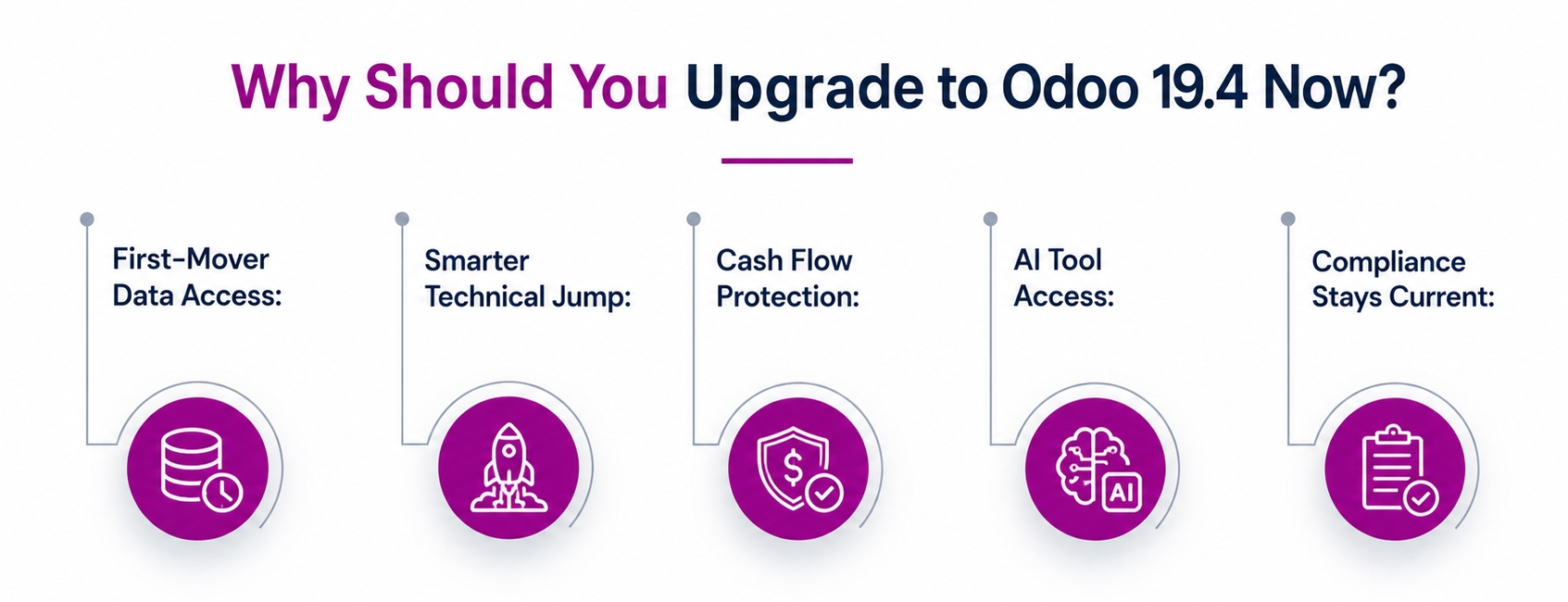
First-Mover Data Access: Teams that set up MCP access early build internal know-how before competitors do, turning a platform update into a lasting operational advantage.
Smarter Technical Jump: Moving from 19.3 to 19.4 is a smaller technical jump than most releases, meaning less downtime and disruption for your daily operations team right now.
Cash Flow Protection: Progress-based invoicing tools let project-driven businesses bill against validated milestones instead of waiting until an entire project reaches completion before getting paid.
AI Tool Access: External tools like Claude or ChatGPT can now connect directly into your Odoo database, letting your team build custom internal tools without new integration work for each one.
Compliance Stays Current: Built-in payroll and tax updates for GCC and other regions keep you aligned with local regulations without separate consulting engagements for every regulatory change.

How Can Aspire SoftServ Help With Your Odoo 19.4 Upgrade?
As an official Odoo Ready Partner, Aspire SoftServ scopes every 19.4 upgrade around your actual operations, not a generic checklist, carefully assessing which new features genuinely apply before any migration work begins for your team.
Fit Gap Audit: We map your current Odoo instance against 19.4's features to flag what genuinely applies here.
MCP Setup Review: We identify which teams or workflows would genuinely benefit from connecting outside AI tools into your Odoo data.
Sandbox Test Run: Every upgrade runs first in a sandbox, keeping live data untouched until everything is confirmed.
Custom Code Review: Existing customizations and integrations are tested against 19.4 first, so nothing breaks silently after go-live.
Team Training Support: We train your team on what's new in 19.4 so adoption happens quickly after launch.
Summing Up
Odoo 19.4 isn't a routine feature drop. MCP server support changes what outside tools can do with your Odoo data, and the new industry packages open real capability for project-based businesses navigating growing complexity.
Everything else in this release is solid, incremental progress worth having but not urgent on its own. Whether to upgrade now depends on your specific operations and priorities, not trends. If you want a closer look at what's next, Odoo Experience 2026 in September will unpack the roadmap beyond 19.4 in person, worth checking out before you finalize your upgrade timeline.
Frequently Asked Questions
1. When was Odoo 19.4 released?
Odoo 19.4 was released in July 2026 as the fourth minor version in the 19.x release series.
2. How long does an Odoo 19.4 upgrade typically take?
A lightly customized instance upgrading from 19.3 usually takes 2 to 4 weeks. Heavier customizations or older base versions extend that timeline.
3. Is it worth upgrading directly from Odoo 17 or 18 to 19.4?
Yes, but scope it as a full migration rather than a minor update. You'll be catching up on everything introduced since 19.0, including the original AI agent framework.
4. Will my existing customizations still work after migrating to Odoo 19.4?
Most customizations carry over, but each should be tested in a sandbox first. Some may need adjustment depending on which modules or APIs they touch.