


 Updated on 11 December 2025

Upgrading to the latest Odoo version gives businesses faster performance, stronger security, and smarter tools powered by automation. Migration ensures better workflows, improved integrations, and long-term stability. With the right Odoo migration partner, companies can upgrade smoothly while protecting data and unlocking new opportunities for growth.
Introduction
Running a business means constantly adapting to new tools, technologies, and trends. If you're already using Odoo to manage your operations, you've taken a smart step. Odoo is powerful, flexible, and designed to grow with your business. But just like any software, staying on an outdated version can slowly limit your potential. That's where Odoo migration becomes important.
Upgrading to the latest version of Odoo gives your business access to faster performance, smarter features, and stronger security. It's like giving your team a modern toolbox with everything they need to work better. Many businesses around the world are switching to newer Odoo versions because they don't want to fall behind. They want to stay ahead of competitors, work more efficiently, and keep their data secure.
In this blog, we'll explore why Odoo migration matters, what it includes, and how upgrading can boost your productivity. We'll also share the key steps to ensure smooth migration and how choosing the right partner can make the process stress-free.
What Is Odoo Migration?
Odoo migration is the process of moving your current Odoo system including all your data, settings, workflows, modules, and apps from an older version to the latest one. Think of it as shifting your entire digital workspace to a better, faster, and more advanced environment.
Professional migration services handle every technical detail from preserving custom configurations to ensuring zero data corruption during the transfer.
Many businesses choose professional Odoo migration services to ensure everything moves smoothly. Experts understand the technical changes between versions, so they can update modules, fix compatibility issues, test the system, and make sure everything works perfectly.
Why Staying Updated With the Latest Odoo Version Is Important
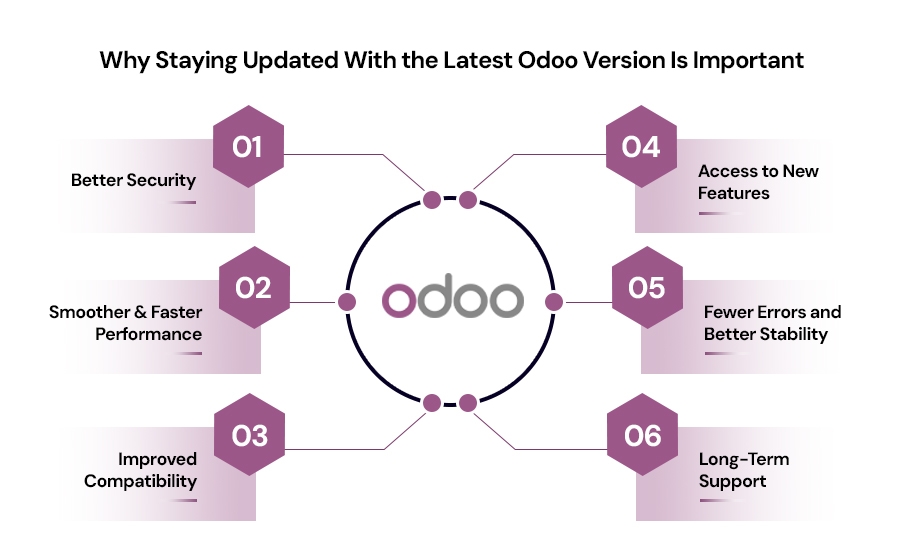
Using an older version of Odoo might feel comfortable, but it comes with long-term risks and limitations. Here are the major reasons upgrading your Odoo system is essential for your business:
1. Better Security
Every new Odoo version includes important security patches and fixes. These updates protect your system from cyber-attacks and data breaches. Older versions often have vulnerabilities that hackers can exploit. By upgrading, you reduce the risk of security threats and keep your data safe.
2.Access to New Features
Odoo constantly improves with each release. The latest version, Odoo 19, introduces AI-powered features that automate email responses, generate product descriptions, and provide intelligent business insights. These tools eliminate manual work and help teams make faster decisions. Staying on outdated versions means missing innovations that boost productivity and competitive advantage.
3.Smoother and Faster Performance
New versions of Odoo are optimized for speed. Pages load faster, modules respond quickly, and the system handles large amounts of data more efficiently. A faster system means your team can do more in less time without waiting for screens to load.
4.Fewer Errors and Better Stability
Older versions can become unstable over time, especially if they contain outdated customizations or third-party modules. Upgrading reduces system crashes, errors, and performance issues. This ensures smoother day-to-day work.
5.Improved Compatibility
Most modern apps, integrations, and plugins are built for newer Odoo versions. If your system is outdated, you may face problems with compatibility which limits your ability to expand or automate your processes.
6. Long-Term Support
Odoo supports all versions, but older systems come with higher costs. If your version falls more than three releases behind, subscription fees increase by 25%. Staying updated avoids these premium charges while ensuring access to security patches, performance improvements, and modern features that keep your business running efficiently and cost-effectively.
In short, upgrading through Odoo migration keeps your operations efficient, your data safe, and your business prepared for new opportunities.
Top Benefits of Migrating to the Latest Version of Odoo
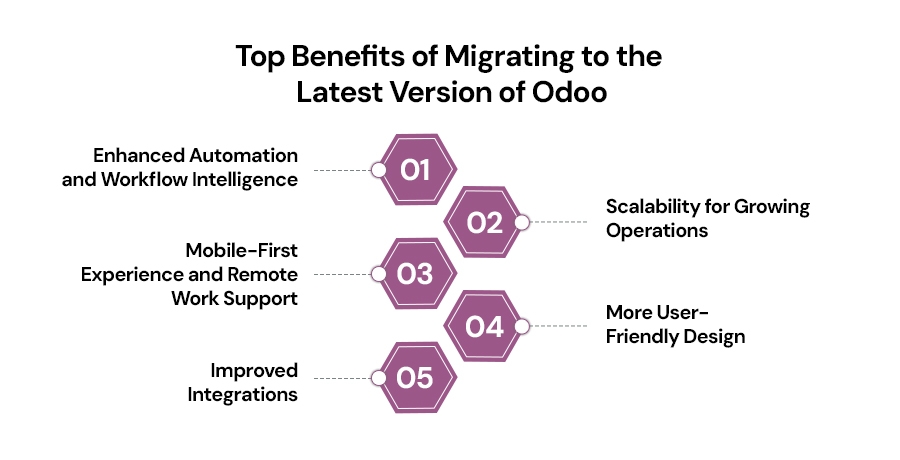
Upgrading is more than a technical task it's a growth move. Here are the biggest advantages of switching to a newer version:
1.Enhanced Automation and Workflow Intelligence
The latest Odoo versions introduce smart automation that goes beyond basic task scheduling. Advanced workflow engines now recognize patterns in your operations and suggest process improvements. Automated approval chains, intelligent routing of customer inquiries, and self-updating inventory alerts reduce manual intervention across departments. Teams spend less time on administrative work and more time on activities that drive revenue whether closing deals, serving customers, or developing products.
2.Scalability for Growing Operations
As your business expands, your software must keep pace without performance degradation. Modern Odoo versions are architected to handle exponential growth supporting more users, processing larger transaction volumes, and managing multi-location operations seamlessly. Whether you're opening new branches, entering international markets, or experiencing seasonal demand spikes, the upgraded infrastructure ensures your system remains responsive and reliable under pressure that would slow older versions to a crawl.
3. Mobile-First Experience and Remote Work Support
Today's workforce operates beyond traditional office boundaries. The latest Odoo versions deliver fully responsive mobile interfaces and progressive web app capabilities that function seamlessly on smartphones and tablets. Field sales teams can update CRM records on-site, warehouse staff can manage inventory from handheld devices, and managers can approve requests from anywhere. This mobile optimization wasn't a priority in older versions, making remote operations cumbersome and limiting productivity for distributed teams.
4.More User-Friendly Design
The newer Odoo interface is cleaner, simpler, and easier to use. A better UI helps your team work comfortably, avoid mistakes, and learn new tasks quickly. This reduces the need for training and boosts efficiency.
5.Improved Integrations
Modern businesses rely on multiple tools from payment gateways and shipping systems to accounting platforms and eCommerce software. The latest version of Odoo connects more smoothly with third-party tools, ensuring your workflows are automated and seamless.
Upgrading your Odoo version ensures your business stays quick, secure, flexible, and ready to grow.
Common Challenges in Odoo Migration
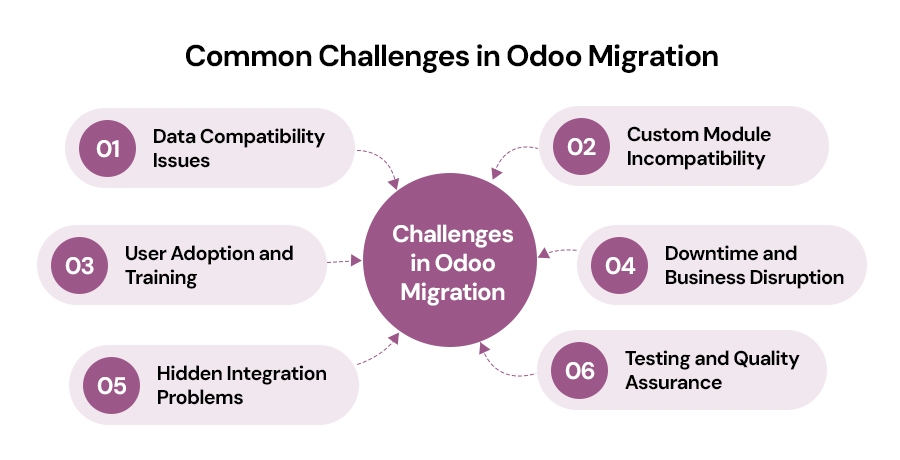
While Odoo migration offers tremendous benefits, it's important to understand the potential challenges you might face during the process. Being aware of these obstacles helps you prepare better and work with the right partner to overcome them smoothly.
1.Data Compatibility Issues
One of the most significant challenges is ensuring all your existing data transfers correctly to the new version. Data formats, structures, and field mappings may change between versions, leading to potential errors or data loss if not handled properly. Complex or heavily customized databases are particularly vulnerable to compatibility issues.
2. Custom Module Incompatibility
If your current Odoo system has custom-built modules or third-party extensions, they may not work with the latest version. The underlying framework changes between versions, which means these custom solutions need to be reviewed, rewritten, or updated. This can extend migration timelines and require additional development resources.
3.User Adoption and Training
Migrating to a new version often introduces a different interface and new workflows. Your team needs time to learn and adapt to these changes. Without proper training and support, users may resist the upgrade or experience productivity dips during the transition period.
4. Downtime and Business Disruption
Migration requires taking your system offline, which means temporary interruption to daily operations. For businesses that rely heavily on Odoo for critical functions, even a few hours of downtime can impact revenue and customer service.
5. Hidden Integration Problems
Your Odoo system likely integrates with other business tools payment gateways, shipping platforms, accounting software, and more. During migration, these integrations may break or require reconfiguration, especially if the third-party tools don't support the new Odoo version.
6. Testing and Quality Assurance
Thoroughly testing the migrated system takes time and resources. You need to verify every module, report, dashboard, and workflow to ensure nothing is broken. Incomplete testing can lead to discovering issues after going live, which is far more costly to fix.
With our Odoo implementation services and Odoo consulting services, we help identify these challenges early and develop strategies to mitigate them, ensuring your migration is as smooth as possible.
How to Ensure a Smooth Odoo Migration?
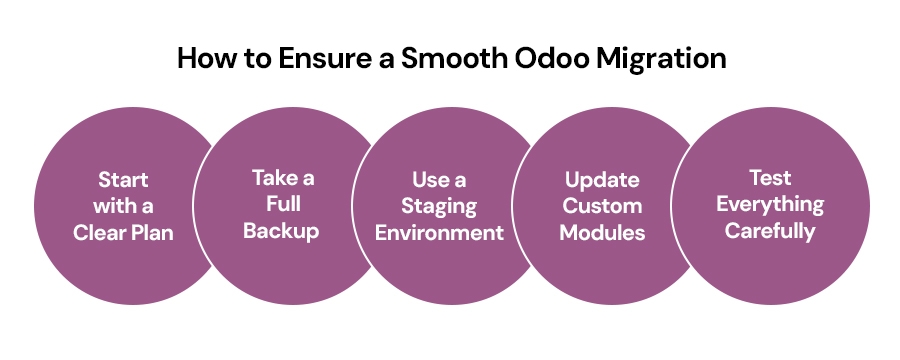
Migrating to a new Odoo version can feel challenging, but with the right process, it becomes much easier. Here are the key steps to ensure a safe and successful upgrade:
1.Start with a Clear Plan
Before migrating, understand your current setup. List all modules, customizations, and integrations you're using. Identify what needs to be moved and what can be removed or improved. Planning avoids confusion and helps reduce problems during migration.
2. Take a Full Backup
Always create a complete backup of your existing system including database, attachments, and configuration files. This ensures you can restore your old system if anything unexpected happens.
3. Use a Staging Environment
Never upgrade directly on your live system. A staging environment is a safe testing zone that lets you try the new version without affecting your daily operations. Here, the team can check every feature and fix errors before going live.
4. Update Custom Modules
Older custom modules may not work with the latest Odoo version due to changes in the framework. These modules need to be reviewed, rewritten, or upgraded to ensure compatibility and stability.
5. Test Everything Carefully
After migrating data and modules, test all functionalities sales, inventory, invoicing, accounting, HR, reports, and dashboards. Testing helps ensure everything functions smoothly and no important feature is missed.
Is Your Business Ready to Upgrade?
If you're still using an older version of Odoo, now is the perfect time to upgrade. The latest Odoo version brings faster performance, improved features, better security, and smoother integration with modern tools. These upgrades help your business stay competitive and give your team the boost they need to work smarter.
Delaying migration can slow down your operations, expose your system to risks, and limit your ability to grow. With the right Odoo migration service partner, you can upgrade confidently and seamlessly. A professional team ensures safe data handling, minimal downtime, and a successful transition to the new version.
Modernize your system, unlock new features, and take your business forward with a smooth Odoo migration. The sooner you upgrade, the sooner you'll experience the benefits.
Conclusion
Odoo migration is not just a technical upgrade it's a strategic investment in your business's future. Whether you're facing performance bottlenecks, security concerns, or limitations with outdated features, upgrading to the latest Odoo version is the right move. The benefits enhanced security, improved performance, access to cutting-edge features, and seamless integrations far outweigh the challenges when you have professional guidance and support.
Don't let an outdated Odoo version hold back your growth. AspireSoftServ brings deep Odoo migration expertise with a track record of delivering zero-downtime transitions that safeguard your critical data while maintaining business continuity. The time to upgrade is now and with the right partner by your side, you'll be positioned to take full advantage of everything the latest Odoo version has to offer.
Frequently Asked Questions
1. What is Odoo migration and why is it necessary?
Odoo migration is the process of upgrading your system from an older version to the latest one. It ensures better speed, improved features, and enhanced security. Businesses need migration to avoid performance issues, compatibility problems, and security vulnerabilities associated with outdated versions.
2. How long does an Odoo migration usually take?
The duration depends on system size, custom modules, and integrations. Most migrations take between one to three weeks. A simple database migrates faster, while highly customized setups require more testing to ensure everything works smoothly in the new version without downtime.
3.How do I know if my business is ready for Odoo migration?
Signs include slow performance, outdated features, security risks, and compatibility issues with new apps. If your workflows feel limited or you rely on outdated custom modules, it's time to upgrade. A technical assessment helps confirm if migration is necessary.
4.Who should handle my Odoo migration process?
The safest approach is to work with an experienced Odoo migration service partner. Experts handle data backups, module upgrades, staging-environment testing, and final deployment. They ensure no data loss, minimal downtime, and full compatibility with the latest Odoo version.
5.What are the risks of not upgrading to the latest Odoo version?
Staying on older Odoo versions increases the chance of security breaches, slow system performance, and unsupported modules. You may also lose access to new features, integrations, and official updates. Over time, this limits scalability and affects operational efficiency.
Upgrade Your Odoo System Today!