


 Updated on 13 January 2026


Introduction
Our team is drowning in spreadsheets. Sales can't see what inventory actually has in stock. Finance spends weeks every month chasing down numbers from different departments. Customer orders slip through the cracks because nobody knows who's responsible for what. Sound familiar?
You're not alone. Thousands of growing businesses face this exact chaos every day. The solution seems obvious: implement an ERP system like Odoo. But here's what nobody tells you upfront most ERP implementations fail, miss deadlines, or explode past their budgets.
Why do so many fail when the software itself works brilliantly? Because implementation success has little to do with the technology and everything to do with how you approach it. This guide reveals the proven best practices that separate smooth, successful Odoo implementations from expensive disasters. Whether you're considering Odoo for the first time or planning to switch from another system, these strategies will help you get it right.
Why is Successful Odoo Implementation Crucial?
Failed Odoo implementations aren't just frustrating they're financially devastating. Beyond licensing and service costs, troubled projects drain resources through endless delays, expensive rework, and productivity losses. Companies routinely spend several times their original budget trying to fix broken implementations.
The operational damage cuts even deeper. Poor implementations bring businesses to a standstill with lost orders, unreliable inventory counts, delayed invoices, and angry customers. Team morale collapses when forced to use systems that slow them down, leading to workarounds and eventual abandonment.
Meanwhile, competitors surge ahead while you're stuck troubleshooting. But successful implementations deliver the opposite: reduced costs, faster processing, better inventory control, improved cash flow visibility, and sustainable scaling. Companies following best practices see positive returns within their first year.
Now, let’s break down the 8 best practices you should absolutely follow for a successful Odoo ERP implementation.
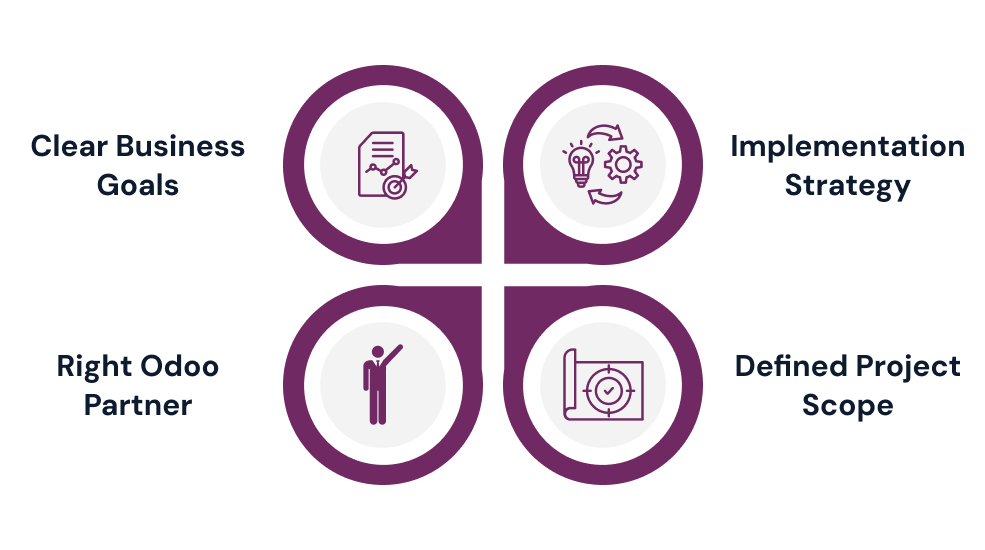
1. Start with Clear Business Goals (Not Just Software Features)
Most companies approach ERP as a software project when it's actually business transformation. Stop asking "What can Odoo do?" and start with "What specific problems are killing our productivity right now?" Identify concrete pain points worth solving.
Turn those pain points into measurable objectives that guide decisions. Maybe you need faster order processing, quicker month-end close, better inventory accuracy, or improved on-time delivery. Whatever your goals, make them specific and measurable, not vague wishes like "improve efficiency."
Align your ERP with future growth plans, not just current operations. If you're expanding markets or scaling rapidly, build that into your implementation. Only then map business goals to specific Odoo modules, ensuring software serves your objectives rather than dictating them.
2. Build Your Implementation Strategy and Assemble the Right Team
Choose your approach based on size, complexity, and risk tolerance. Big Bang implements everything at once fast but risky. Phased rolls out modules gradually balanced and manageable. Pilot tests with a subset first safest but slowest. Most mid-sized businesses prefer phased implementation.
Prioritize modules delivering immediate value. Start with CRM and Sales for revenue generation, add Inventory and Purchasing for operations, follow with Accounting for financial control, then specialized modules. This logical progression helps teams adapt before adding complexity.
Build a cross-functional team with clear roles. You need an Executive Sponsor with real authority, Process Owners understanding workflows, Power Users becoming internal experts, IT Support handling infrastructure, and a dedicated Project Manager coordinating everything. Secure proper time commitments upfront or watch deadlines slip indefinitely.
3. Select the Right Odoo Implementation Partner
Choosing the right Odoo implementation partner can make or break your project. While self-implementation works for some, most businesses need experienced guidance for complex processes, integrations, or tight timelines. Partners bring proven methodologies, industry knowledge, and technical expertise that accelerate success.
Look for Odoo implementation partners with demonstrated experience in businesses like yours. They should have certified consultants, structured methodologies, and comprehensive post-launch support. Don't chase the lowest price cheap partners create expensive problems through delays, poor configurations, and endless rework.
Ask potential Odoo implementation partners how they handle challenges, their typical timelines, and post-go-live support levels. Request recent client references and actually call them. The right partner becomes a trusted advisor guiding you through tough decisions, not just a vendor configuring software then vanishing.

4. Define Scope Clearly and Leverage Standard Features
Scope creep destroys ERP budgets and timelines. Small requests snowball into massive delays and overruns. Begin with core modules CRM, Sales, Inventory, Accounting that provide immediate value. Add specialized modules like Manufacturing or HR only after your foundation stabilizes and users feel comfortable.
Odoo's standard features handle most business needs through configuration alone, without custom code. Configuration uses built-in settings and workflows it's fast, thoroughly tested, and upgrade-safe. Custom code takes longer, introduces bugs, requires ongoing maintenance, and breaks during updates. Configuration should always be your default choice.
Before requesting customization, ask whether standard features achieve the same outcome with slightly different workflows. What feels unique is often a common need Odoo already handles elegantly. Save customization for genuine competitive advantages or regulatory requirements. Establish formal change control to evaluate new requests objectively.
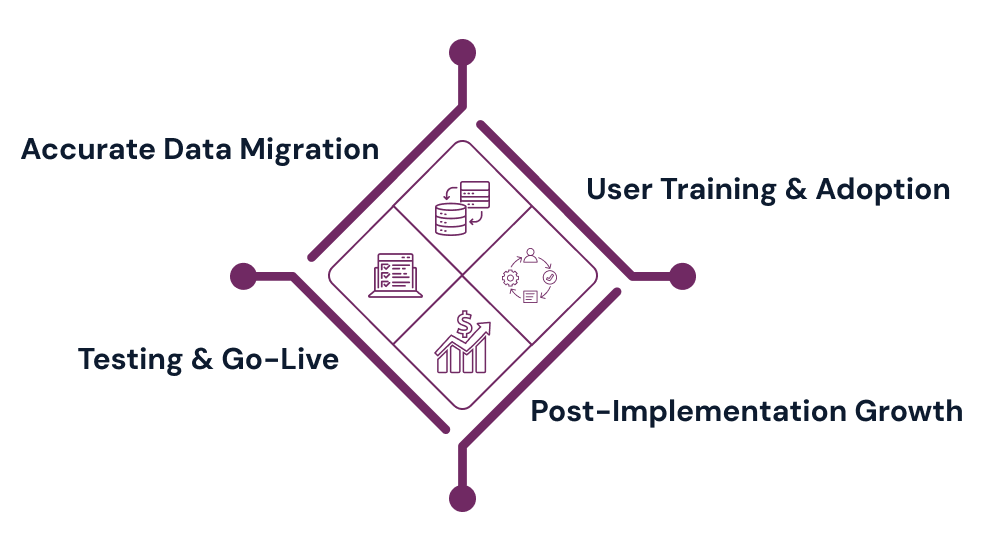
5. Execute Data Migration with Precision
Poor data quality silently kills implementations. Many businesses don't realize their data's messiness until migration begins. Duplicate records, inconsistent descriptions, incomplete critical fields, and years of outdated entries create immediate problems in your new system, undermining trust and usability from day one.
Start with comprehensive data audits across all systems. Establish clear standards naming formats, mandatory fields, conventions for your new Odoo system. Then tackle the tedious cleanup: merge duplicates, standardize formats, fill critical gaps, purge obsolete records. This unglamorous work is absolutely essential for success.
Never migrate directly to production. Use test environments for early attempts. Start with master data customers, vendors, products before transactional data. Validate thoroughly after each run: compare counts, spot-check accuracy, test relationships, verify totals. Budget significant time for this critical phase.
6. Prioritize User Training and Change Management
Technology is easy people are hard. Technically perfect Odoo systems with flawless data still fail when users don't adopt enthusiastically. Without proper training and change management, expect resistance: workarounds, shadow spreadsheets, minimal data entry, and eventual abandonment. Your investment's value depends entirely on adoption.
Design role-based training for specific daily tasks. Sales reps need different knowledge than warehouse workers or accountants. Create hands-on practice sessions in safe environments where users learn by doing without fear. Build realistic scenarios matching actual workflows. Supplement with simple visual documentation screenshots, step-by-step guides, short videos.
Start communicating early about why change matters and its benefits. Get leadership visibly using the new system. Identify departmental champions influencing peers effectively. Address concerns openly rather than dismissing them. Celebrate quick wins as efficiency improves. Make training and change management real priorities, not afterthoughts.
7. Test Thoroughly and Plan Your Go-Live
Testing is where theory meets reality and problems get discovered before impacting operations. Start with unit testing verifying individual features work correctly. Progress to integration testing examining how modules interact do sales orders reserve inventory, trigger deliveries, generate invoices? Finish with user acceptance testing using realistic scenarios.
Don't rush testing to meet arbitrary deadlines. Problems found during testing are easy and cheap to fix, problems found after go-live are disruptive, expensive, and damage user confidence. Involve users from every department to spot usability issues invisible during configuration.
Plan go-live timing carefully. Avoid month-ends, quarter-ends, year-ends, or busy seasons when teams can't afford disruptions. Decide between parallel running or complete cutover. Communicate clearly about what's happening, when, and how daily work changes. Have support ready your Odoo implementation partner for complex issues, internal power users helping colleagues, clear escalation paths.
8. Plan for Post-Implementation Success
Go-live is a milestone, not a finish line. The following weeks and months determine true success or disappointing failure. Monitor system health closely in the early days performance, error logs, data quality, user adoption across departments. Quick attention to emerging issues prevents small problems from becoming big disasters.
Create rapid response protocols defining critical versus normal issues. Make reporting problems easy through help desks, Slack channels, or regular department check-ins. Sort feedback into three buckets: bugs needing fixes, training gaps needing support, enhancement requests for future phases. Quick small improvements show responsiveness and build confidence.
Return to your original measurable goals and track progress systematically. Are processing times decreasing? Is month-end close faster? Are inventory accuracy and customer satisfaction improving? Monitor adoption rates, data quality trends, and workflow adherence. Schedule regular reviews and implement enhancements in small batches rather than massive updates.
Avoid These Common Implementation Mistakes
Even well-intentioned Odoo implementations stumble over preventable mistakes. Learning from others' errors costs far less than making them yourself. Understanding these common pitfalls helps you recognize and avoid them before they derail your project and waste your investment.
Starting without clear objectives: Implementing ERP because everyone else has one leads to poor decisions and unmeasurable success. Define specific goals first.
Skipping process documentation: Jumping straight to configuration without understanding current workflows results in missed requirements and frustrated users unable to complete work.
Choosing Odoo implementation partners based solely on price: The cheapest option typically becomes most expensive through delays, poor configurations, and costly rework later.
Over-customizing early: Every custom feature adds complexity, cost, and future maintenance headaches when standard configurations would work perfectly fine for most needs.
Neglecting data cleanup: Migrating messy data creates unusable systems that users quickly lose confidence in, leading to abandonment and project failure.
Inadequate user training: Under-trained users resist systems, make preventable errors, and slow operations instead of accelerating them as intended.
No post-launch support plan: Walking away at go-live guarantees small issues grow into major problems without anyone addressing them systematically.

Conclusion: Your Path to Odoo Success
Successful Odoo implementation isn't magic it's methodically following proven practices and avoiding known pitfalls. Start with clear business goals driving every decision. Build the right strategy and cross-functional team to execute effectively. Choose your Odoo implementation partner carefully based on experience and fit, not just cost.
Define scope clearly and leverage standard features before customizing anything. Invest heavily in clean data migration garbage in truly means garbage out. Make training and change management absolute priorities, not afterthoughts, because ROI depends entirely on user adoption. Test thoroughly before go-live and plan for active optimization during the critical early months.
Yes, this requires time, discipline, and patience. But consider the alternative failed implementations that disrupt operations, frustrate teams, and waste investments cost far more. Implementation is an investment in your business's future growth and efficiency. Take it step by step, follow these best practices, don't cut corners, and you'll build a system that streamlines operations, provides visibility, and supports sustainable growth for years to come.
Frequently Asked Questions
1. What is the most important factor for a successful Odoo ERP implementation?
Clear business goals guide module selection, configurations, and success metrics, ensuring the Odoo implementation solves real problems and delivers measurable business value.
2. How long does it take to implement Odoo ERP?
Odoo implementation timelines vary by complexity, typically ranging from a few weeks for small businesses to several months for large enterprises.
3. Should I hire an Odoo implementation partner or do it myself?
Most businesses benefit from an experienced Odoo implementation partner who reduces risks, accelerates delivery, and avoids costly configuration or customization mistakes.
4. Why is data migration important in Odoo implementation?
Clean, accurate data ensures reliable reporting, smooth workflows, user trust, and long-term system adoption after Odoo goes live.
5. What happens if my Odoo implementation goes over budget or timeline?
Revisit goals, control scope creep, reduce unnecessary customization, and adopt a phased rollout approach to bring the Odoo project back on track.
Make your Odoo implementation future-ready