

 Updated on 9 July 2026

Walk onto almost any manufacturing floor, and you'll see the same scene repeating itself: an operator finishes a production run, then stops typing the quantity into a screen. A supervisor manually logs a quality check on a clipboard before transcribing it into the ERP later. Someone scans a barcode, then re-types the lot number anyway because the system didn't quite catch it. None of this is "manufacturing." It's data entry that happens to take place next to manufacturing equipment, and it eats hours every week that skilled operators could be spending on actual production.
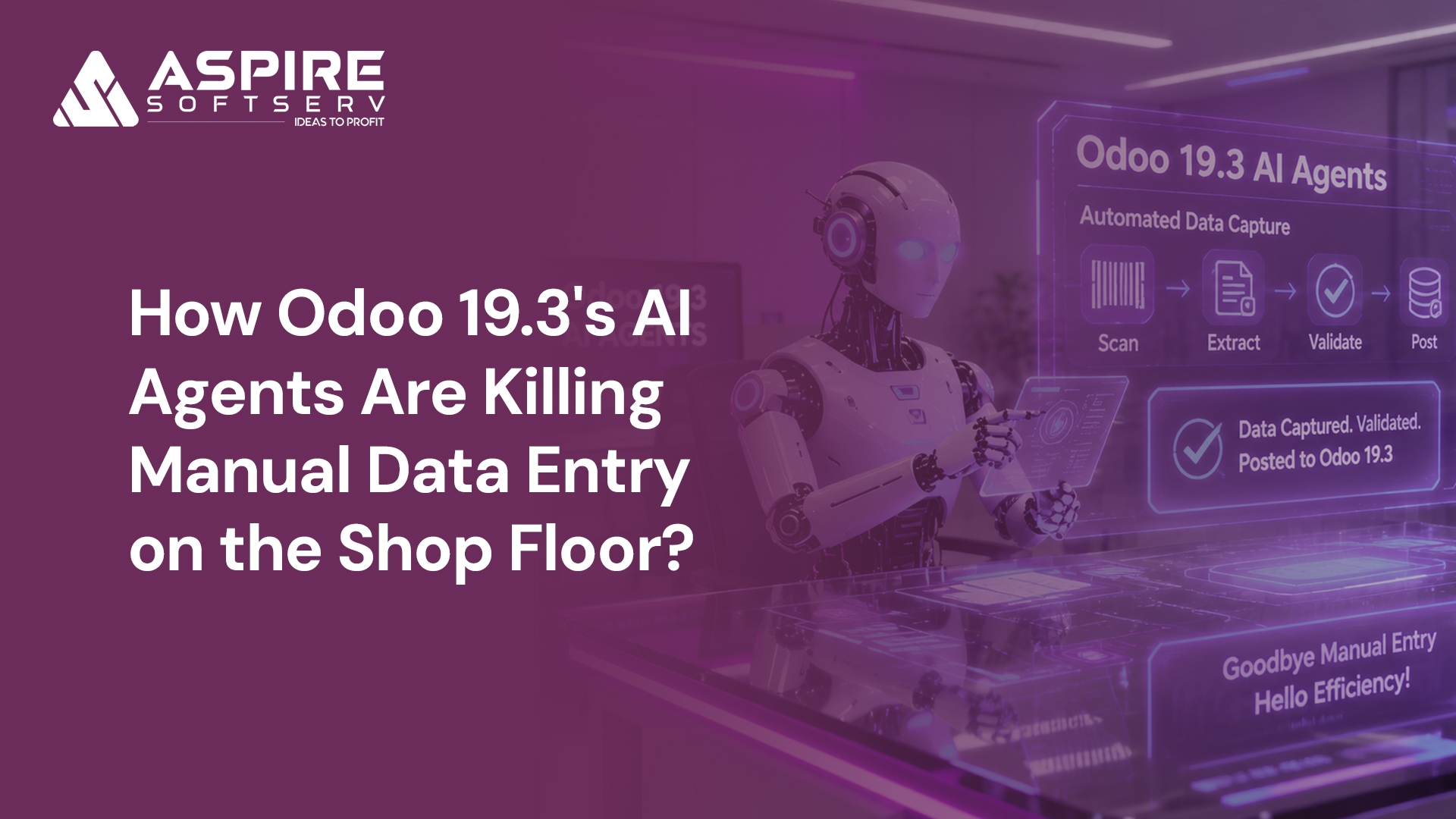
Odoo 19.3 takes a direct shot at this problem. Rather than treating AI as a chatbot bolted onto the side of the ERP, this release lets AI agents actually create and update records including from an uploaded PDF of instructions instead of just answering questions, while a redesigned shop floor interface feeds barcode and scan data straight into records without a human re-typing any of it.
This post breaks down where manual entry is still bleeding time on the shop floor, what Odoo 19.3's AI tools actually do about it, and how to think about rolling it out without overpromising what AI can responsibly handle.
Why Manual Data Entry Is Still a Manufacturing Problem?
Production Delays Caused by Human Input
Every time an operator has to stop the line to update a work order, that's downtime. Multiply a 30-second entry across dozens of work orders a day, across multiple operators, and you get hours of lost throughput that never shows up as a single dramatic event just a slow leak.
Data Entry Errors Affect Inventory Accuracy
Manual entry is also where inventory accuracy quietly falls apart. A mistyped quantity, a missed stock movement, a lot number copied incorrectly each one is small, but they compound. By the time a cycle count happens, the gap between what the system says and what's actually on the shelf can be significant enough to throw off purchasing and planning decisions.
Managers Lack Real-Time Visibility
When updates depend on someone finding time to enter them, dashboards are always a little behind reality. Planners are making replenishment and scheduling calls based on yesterday's data, not this hour's.
Administrative Work Reduces Operator Productivity
Perhaps the most underrated cost: skilled labor spent on typing instead of producing. Operators trained to run equipment end up doing clerical work because the system has no other way to know what happened.
What Odoo 19.3's AI Agents Actually Do
It helps to be precise about what's changed here, because "AI Agents" gets thrown around loosely in ERP marketing. In Odoo, an AI agent is a configured assistant with a defined purpose, a set of "topics" that tell it what it's allowed to do, and tools that let it perform real actions in the database not just answer questions. Agents can be trained on your own documents and Knowledge app content, so their responses are grounded in your actual SOPs rather than generic AI knowledge.
What's new in 19.3 specifically is the leap from "answer and retrieve" to "create and update on command." You can now ask an agent to create records outright including by uploading a file of instructions like a PDF and to update existing records, whereas earlier 19.x releases largely kept agents in an assistive, question-answering role. That said, this still isn't a free-for-all: database changes require a deliberately configured agent with the right topics and tools assigned. That distinction matters the automation isn't a black box quietly rewriting your data; it's something an implementation team configures and scopes on purpose.
Where AI Agents Are Cutting Manual Entry on the Floor?
Document AI for Production and Procurement Paperwork
Odoo's Document AI extracts vendor names, line items, quantities, prices, and dates directly from uploaded invoices, receipts, and purchase orders. On the shop floor, the same principle extends to incoming material documentation instead of someone keying in what a packing slip or certificate already says, the system reads it and populates the relevant fields, leaving a human to review rather than transcribe.
A Redesigned, Barcode-First Shop Floor Interface
Odoo 19.3 carries forward the reworked shop floor UI built for touchscreen or barcode use, supporting multiple operators and step-by-step quality checks built right into the flow. Barcode and mobile scanning can create new products, update inventory across multiple items at once, and record serial numbers automatically. The effect is that a scan is the data entry there's no separate step where someone confirms it by typing the same information into a different screen.
Natural-Language Server Actions
One of the more genuinely useful additions is the ability to create automation rules by describing them in plain language instead of building technical filter logic. An instruction like "create a purchase order when stock falls below a threshold" or "flag any work order with scrap above a set percentage" gets translated into an executable action. This doesn't eliminate data entry on its own, but it removes the layer of manual rule-building and monitoring that used to require someone watching dashboards and acting on what they saw.
Conversational Queries Instead of Manual Lookups
Supervisors can ask an AI agent direct questions about the floor pipeline status, what's blocking a manufacturing order, summaries of recent quality flags instead of digging through multiple views to assemble the answer themselves. It doesn't replace the underlying data, but it removes the manual work of hunting for it.
Planning Tools That Reduce Re-Entry
A Gantt view for manufacturing orders and filters for components give planners a clearer picture without needing to manually cross-reference spreadsheets, which is its own quiet form of data-entry reduction fewer side trackers means fewer places for the same number to be typed twice.
Before and After: A Realistic Comparison
| Manual Process | With Odoo 19.3 AI & Shop Floor Tools |
|---|---|
| Operator types production quantities into a terminal | Barcode or touchscreen scan updates the work order directly |
| Packing slips and invoices are re-keyed by hand | Document AI extracts fields automatically for review |
| Quality checks are logged on paper and entered later | Step-by-step digital quality checks are built into the shop floor workflow |
| Automation rules are built manually using technical filters | Natural-language prompts generate server actions |
| Supervisors dig through multiple views for status updates | Conversational queries surface answers directly |
Business Benefits Worth Tracking
The realistic gains reported by implementers and Odoo partners cluster around a few themes: faster processing of documents and invoices, fewer posting and transcription errors, and faster month-end close cycles in accounting-adjacent shop floor processes like vendor bill handling. Manufacturers should treat any specific percentage figure circulating in vendor blogs with some skepticism until they've measured it against their own baseline but directionally, the pattern is consistent: less time spent transcribing, more time spent reviewing exceptions.
Getting Ready for AI-Driven Shop Floor Automation
A few practical signals suggest a floor is ready to benefit from this:
Heavy reliance on paper forms or spreadsheets running parallel to the ERP
Frequent inventory discrepancies traced back to manual entry
Operators regularly pulled away from machines to update records
Disconnected systems where the same data gets typed more than once
Before flipping on AI agents broadly, it's worth starting with low-risk, reversible workflows quality check logging, internal notifications, draft email generation and expanding once accuracy and trust are established. Most of Odoo's AI capabilities are Enterprise-only, which is worth factoring into budget planning early.
And because configured agents act on real data, working with an experienced Odoo implementation partner to scope topics, tools, and guardrails properly is less of an upsell and more of a genuine safeguard against an agent doing more or less than intended.
The Bottom Line
Manual data entry on the shop floor isn't a minor inconvenience it's lost throughput, degraded inventory accuracy, and skilled labor spent on clerical work. Odoo 19.3's combination of a barcode-first shop floor interface, Document AI, and configurable AI agents that can now create and update records directly doesn't eliminate human judgment from manufacturing, but it does eliminate a lot of the typing. The shift isn't from "manual" to "fully autonomous" it's from data entry to review and exception-handling, which is a much better use of an operator's time.
Manufacturers evaluating Odoo 19.3 should focus less on dramatic automation claims and more on the specific, verifiable mechanics: what the shop floor UI actually captures automatically, what a configured agent is actually permitted to touch, and where a human still needs to sign off. Get that scoping right, and the manual entry that used to define the shop floor starts to disappear on its own.

Frequently Asked Questions
Q1: What's actually new for AI agents in Odoo 19.3 versus earlier 19.x releases?
Odoo 19.3 is the release where agents gain the ability to create and update records on their own, including by reading an uploaded PDF of instructions, in addition to generating images for websites and emails and powering a "vibe-code" website assistant.
Q2: Can Odoo 19.3 AI agents create records with zero human review?
Not by default. An agent only gets record-changing abilities if it's deliberately assigned the right topics and tools; without that configuration, it can only answer questions, not touch the database. In practice, the agent lays out the changes it plans to make, and a person confirms with a click before anything is deployed.
Q3: Do I need Odoo Enterprise to use these AI agents?
Yes, most AI functionality in Odoo 19, including 19.3's agent capabilities, is limited to the Enterprise edition, so this is worth factoring into upgrade budgeting early
Q4: Can an AI agent read a supplier's PDF and create a record from it?
Yes, one of the flagship 19.3 use cases is a purchase manager uploading a supplier quotation PDF and having the agent generate a draft RFQ automatically, cutting out manual re-keying.
Q5: Which AI models power Odoo's agents in 19.3?
Odoo 19.3 agents run on providers you connect yourself ChatGPT (via OpenAI) and Google Gemini are both supported, so you can bring your own API key rather than being locked into one model.
Automate Your Shop Floor with Odoo 19.3